On this page

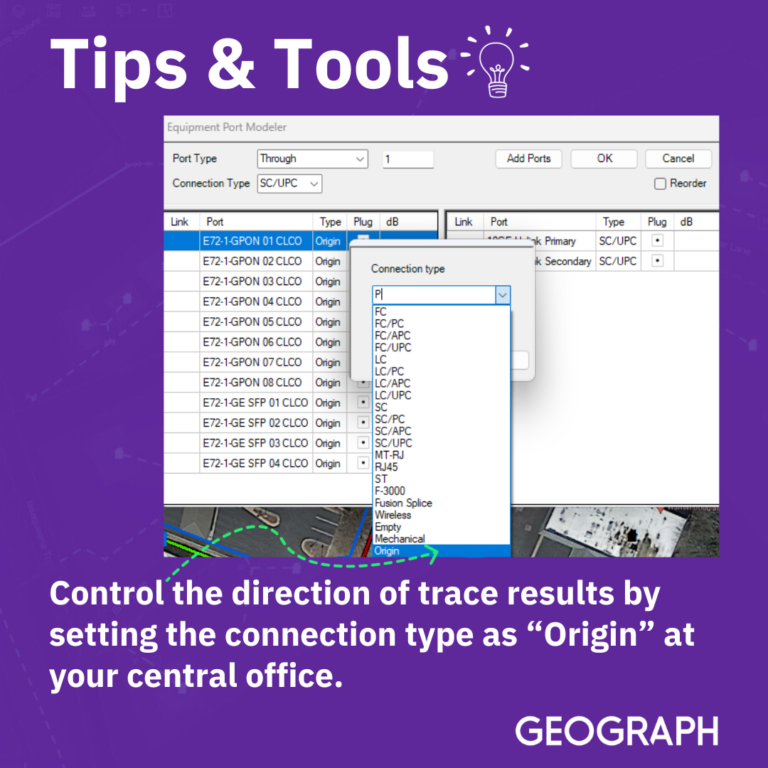
    Manage Trace Direction Using Origin Ports

    Text on image reads: Control the direction of trace results by setting the connection type as “Origin” at your central office.

    9063
    Your next step

    Learn more about GEOGRAPH

    Start a conversation

    Talk with our team

    Tell us about your network and where you're running into friction.

    Talk with our team

    See the platform

    Explore CrescentLink

    Get a closer look at how fiber teams use CrescentLink day to day.

    See CrescentLink

    Keep reading

    Back to the blog

    More insights on fiber network management and operations.

    Explore the blog