
Visualize Proposed and Existing Splicing
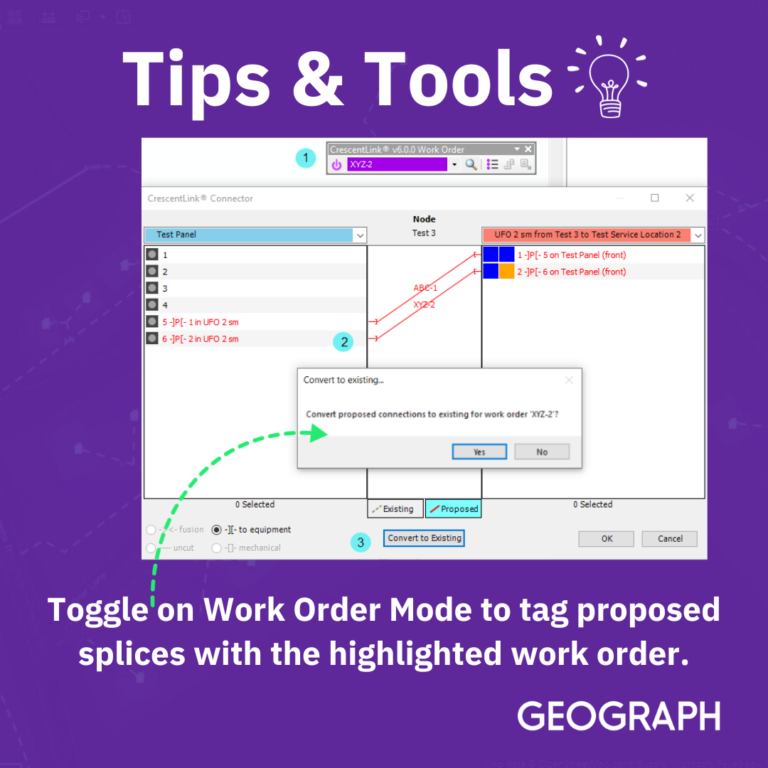
If the Work Order Mode is toggled on (CrescentLink WorkOrder toolbar), then any proposed splices made will be tagged with the work order highlighted. When selecting the Convert to Existing button, only the proposed splices with the highlighted work order will be converted to existing.
Quickly Add Equipment with Templates
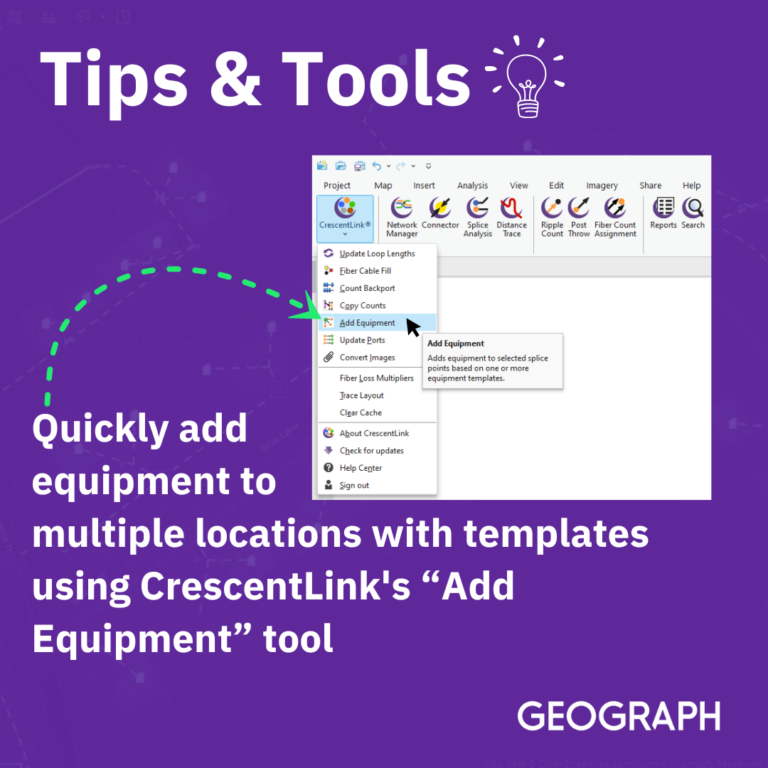
Text on image reads: Quickly Add Equipment to multiple locations with Templates using CrescentLink’s Add Equipment tool.
Creating Templates
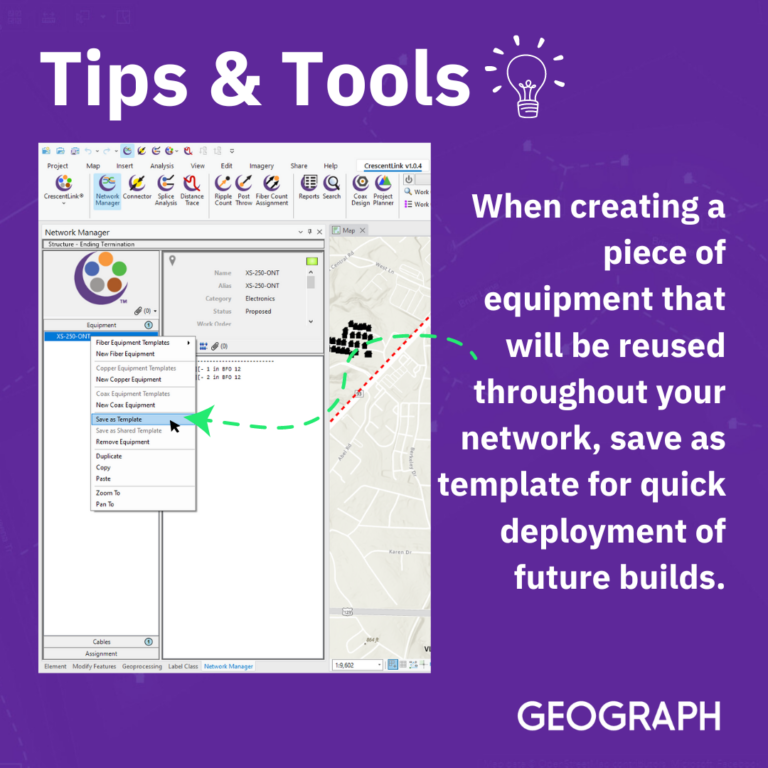
Text on the image reads: When creating a piece of equipment that you know will be reused throughout your network, always remember to save it as a template for a quick deployment for future builds. For more, visit this article in our support portal.
Cable Summary Report

GEOGRAPH Users, check out this effective tip! When you need to quickly view your subscribers affected by an outage, follow these easy two steps to find your Cable Usage Report.
Direct Button to Support Portal

Did you know you can directly access our support portal from CrescentLink? If you need help while working in your network, click the Help Center button from the CrescentLink drop-down in the top left corner. You can write a ticket or access our article library to assist with any kind of problem you may have!