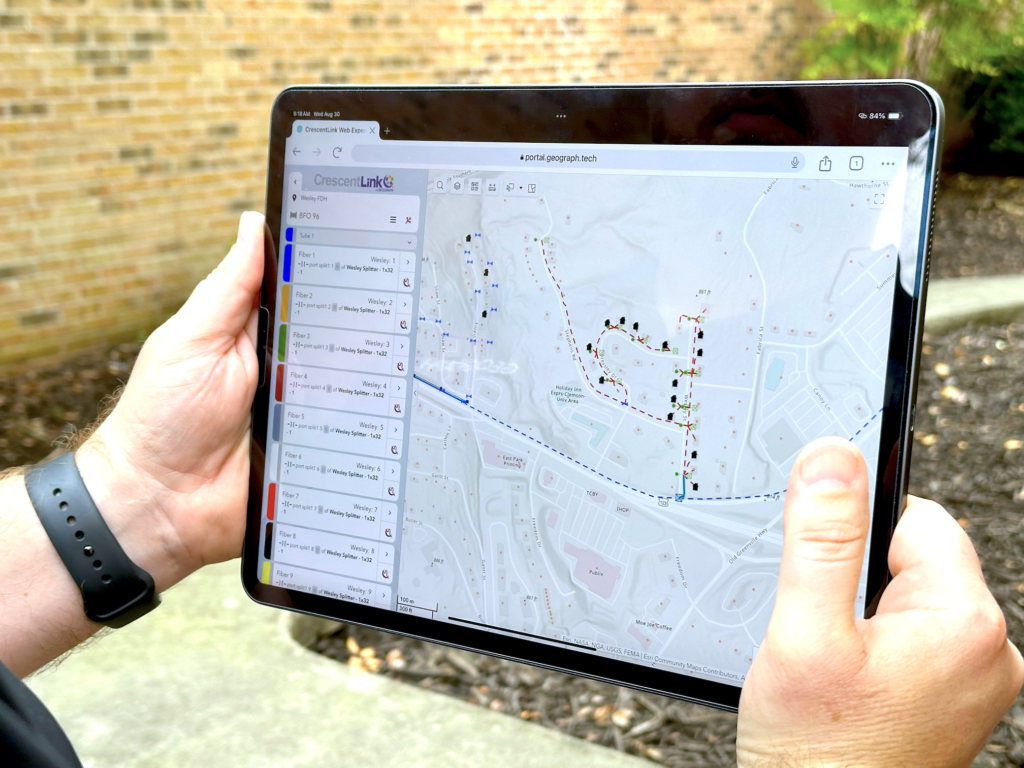
CrescentLink is GEOGRAPH’s GIS-based platform for fiber network mapping and management.
Built on Esri ArcGIS Pro and Enterprise, it gives engineering, GIS, and operations teams a structured, reliable system for documenting connectivity, splicing, and network assets across the full lifecycle.
How does CrescentLink for Pro integrate with ArcGIS Pro?
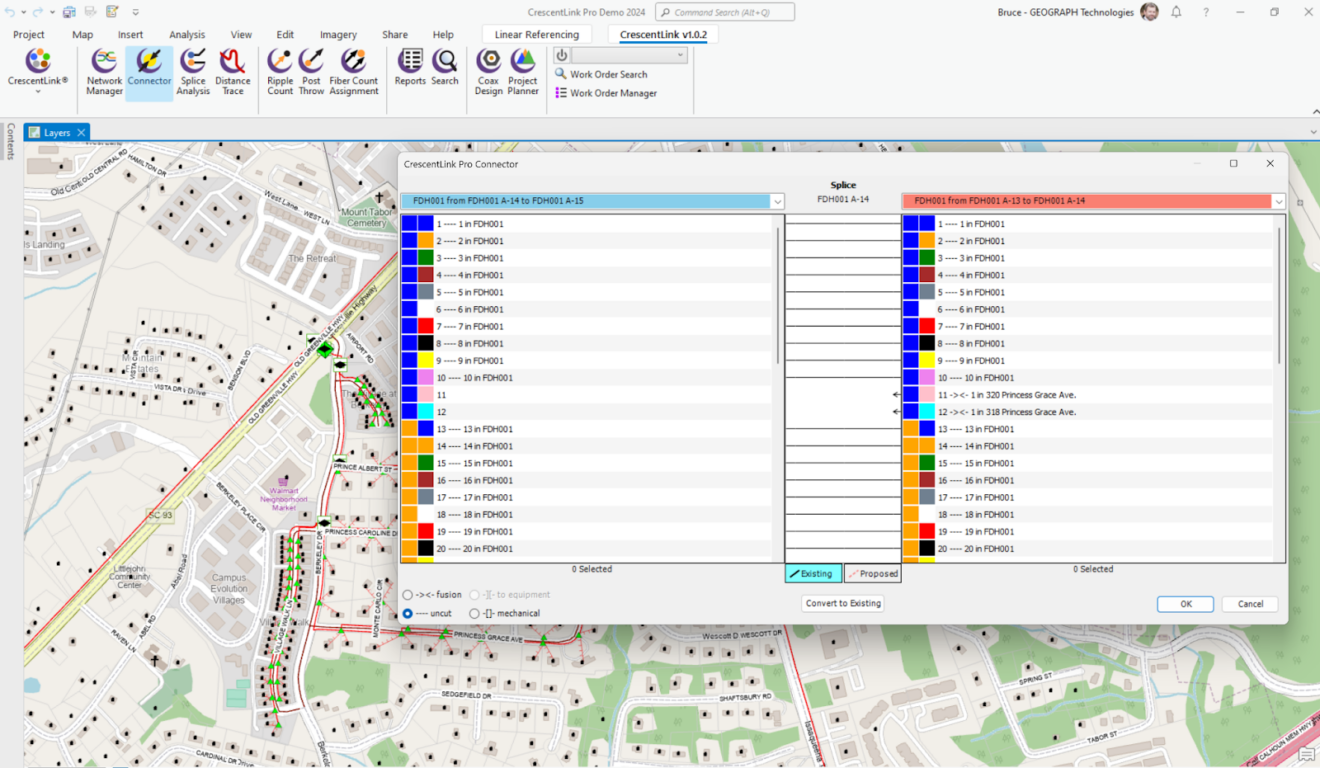
CrescentLink for Pro seamlessly plugs into your existing ArcGIS Pro environment, no need for separate software or complex workflows. It works as a powerful extension, unlocking new features and capabilities within your familiar ArcGIS Pro interface.
What kind of fiber networks does CrescentLink for Pro support?
CrescentLink for Pro is built for the specific needs of telecommunications providers. It handles all types of fiber networks, from aerial and duct systems to underground and submarine deployments. We understand the unique challenges of telecom network management and tailor our tools accordingly.
How much does CrescentLink for ArcGIS Pro cost?
If you are an existing customer there is no additional cost to move to CrescentLink for ArcGIS Pro. Simply go to the support portal and download the add-in, connect your data and go to work. If you are new to GEOGRAPH, we have a wide range of pricing options available that best fit your needs. Organizations can typically expect to pay under $200/month per user to experience the power of GEOGRAPHS CrescentLink for ArcGIS Pro.
What benefits will my team see from using CrescentLink for Pro?
Our users love the increased efficiency and precision they gain with CrescentLink for Pro. From faster planning and design to deeper data analysis and optimized performance, expect to see:
Enhanced productivity: Streamlined workflows, better collaboration, and reduced manual tasks mean more time for what matters.
Improved decision-making: Data-driven insights and powerful analytics give you the confidence to make informed choices about your network.
Reduced costs: Optimize your network design, minimize errors, and make the most of your existing infrastructure.
Increased network performance: Analyze bottlenecks, pinpoint maintenance needs, and ensure your network runs smoothly and efficiently.
Do you offer training or support for CrescentLink for Pro?
Absolutely! We’re committed to your success and offer comprehensive resources to help you get the most out of CrescentLink for Pro. We have extensive online documentation, video tutorials, and live training sessions. Plus, our dedicated support team is always happy to answer your questions and assist you with any challenges.
Does CrescentLink work on the Utility Network?
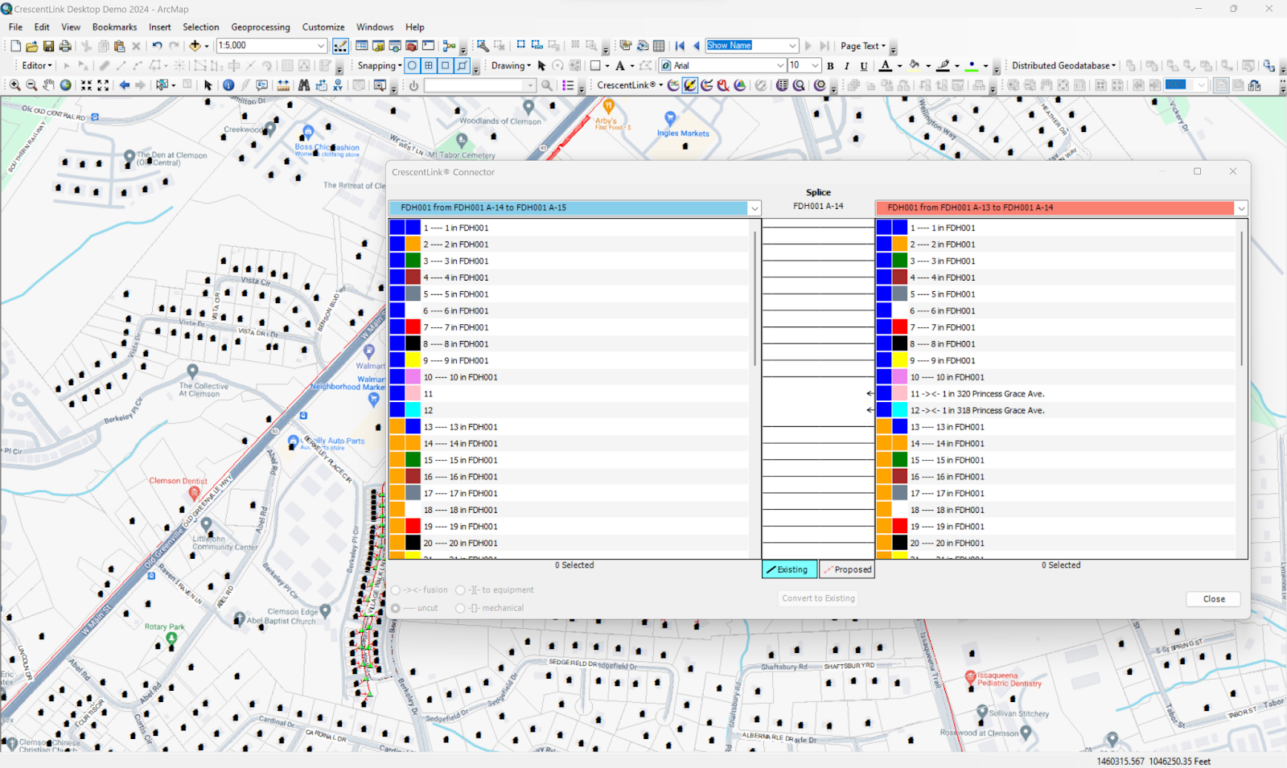
CrescentLink does not require the Utility Network. CrescentLink is built with its own connectivity model, simplifying not only the data model but also the implementation and functionality. If your Organization currently uses the Utility Network for other networks such as Electric, Water, and Gas CrescentLink for ArcGIS Pro can work right alongside the same projects. There is no conflict to install and run the Utility Network, but it is not a requirement.